
Tech Talk
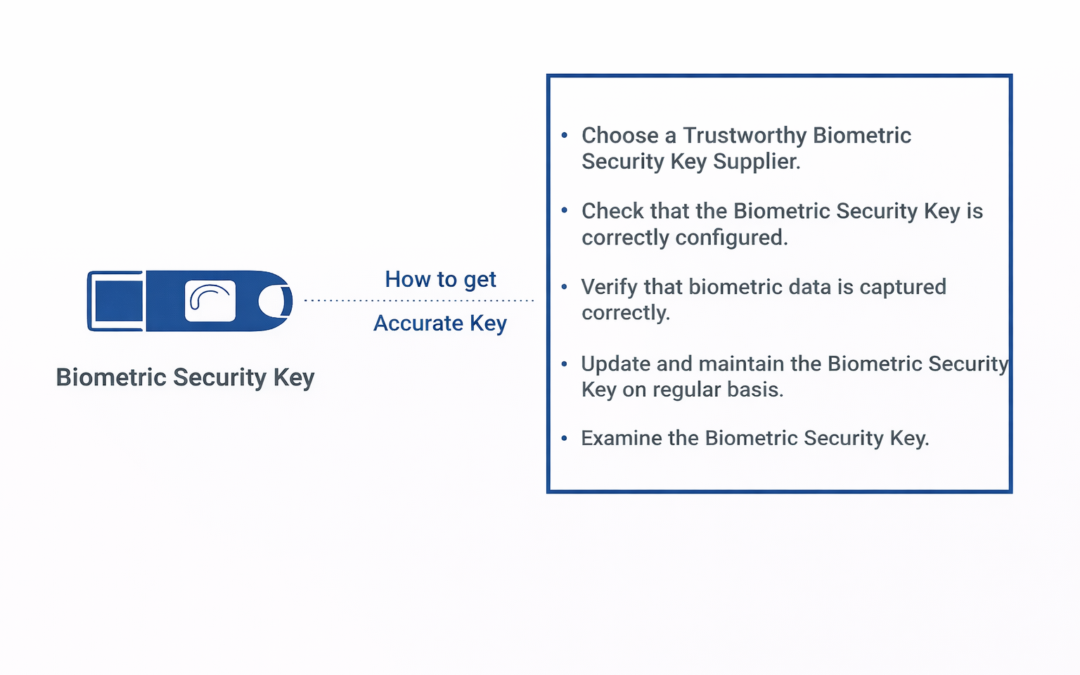
Getting an accurate biometric security key
Dear Readers,
Passwords have shown to be untrustworthy for safeguarding our internet accounts in today’s digital world. As a result, biometric security keys are becoming increasingly popular as a more secure alternative to standard passwords. To validate user identities, biometric security keys employ unique physical attributes such as fingerprints, face recognition, and voice recognition. The correctness of these biometric security keys, on the other hand, is critical for their usefulness in protecting our sensitive data. This blog article will go through how to get an accurate biometric security key.
Choose a Trustworthy Biometric Security Key Supplier
The supplier has a considerable influence on the correctness of a biometric security key. While selecting a supplier, it is critical to conduct research and evaluate numerous possibilities. Seek for a company with a track record of generating accurate and dependable biometric security keys. This ensures that the biometric data obtained is correct and that the security key is successful in securing your sensitive information.
Check that the Biometric Security Key is correctly configured.
Once you’ve decided on a biometric security key supplier, you must ensure that the key is properly set. Setting the authentication threshold, which specifies how exact the biometric data must match the stored data to authenticate the user, is part of proper configuration. A threshold set too low may result in false positives, whereas a threshold set too high may result in false negatives. As a result, the key must be properly set to ensure accurate authentication.
Verify that biometric data is captured correctly.
The precision of a biometric security key is also determined by the accuracy with which the biometric data is recorded. To guarantee proper authentication, a fingerprint scanner, for example, must acquire a complete and accurate image of the user’s fingerprint. As a result, it is critical to guarantee that biometric data is recorded reliably, with little interference from external variables such as illumination or scanner smudges.
Update and maintain the Biometric Security Key on regular basis.
Biometric security keys must be updated and maintained on a regular basis to ensure accuracy. These updates may include software improvements, bug patches, and breakthroughs in biometric identification technologies. Regular maintenance will assist in discovering and correcting any issues that may jeopardise the biometric security key’s accuracy.
Examine the Biometric Security Key.
Finally, it is vital to validate the biometric security key on a regular basis to ensure that it successfully authenticates users. To identify any faults that may jeopardise the key’s accuracy, testing should include both successful and unsuccessful efforts to authenticate users. Regular testing will help in the detection and resolution of any problems that may arise.
E-mail Support Announced for While You Were Out
Following the popularity of its inception product, Ciright is thrilled to increase the functionality of its While You Were Out product with full e-mail integration. Just like a user is accustomed to receiving messages from administration back in the office, e-mail...
Ciright Declares Platform Ubiquity
Ciright makes the investment and decision to be accessible from any device. Ciright’s campaign promises that regardless of the development of technology over the years ahead that they will be platform agnostic and operating systems agnostic. Ciright wants to remain...
Ciright Introduces Automated Correspondence Application to Consumers
Ciright announces quick correspondence application, which is the turbo charging of word documents and templates to provide a means of generated correspondence by customer or opportunity in a fraction of time it takes to create in Microsoft word. This application is...
Ciright Provides Unified Platform for PDA’s and Mobile Phones
Ciright announces a Ciright PDA application that would incorporate the technology originally developed three years prior that would unify the Contacts, Calendar, Projects, Customers, and Notes all on a mobile device. This Ciright OS is an overlay graphical GUI user...
The International Conference on Third Generation Wireless and Beyond Kicks Off In San Francisco
Ciright is excited about this year's World Wireless Congress International Conference on Third Generation Wireless and Beyond taking place this time in San Francisco. Throughout company history, Ciright has remained dedicated to innovations in mobile technology and...
Ciright Announces System One
Ciright announces the availability of System One or Uno, which is one system for the enterprise. The system replaces the need for multiple applications and eliminates the disconnection among human resources, accounting, sales, and manufactures in the enterprise....
Recent Comments